LimeBike

Introducing the LimeBike
The all-new LimeBike blends advanced engineering with everyday comfort and confidence—featuring a step-through frame that’s easy to hop on, an extra spacious basket for your essentials and a powerful pedal-assist that helps you handle city streets with ease. Designed to welcome more riders than ever, LimeBike is your go-to ride for everything from quick trips to weekend adventures.
How to ride
Have questions about how to ride? We’ve got you covered. Read our step-by-step guide and you’ll be a pro in no time.
- Using the kickstand
- Sweep the kickstand up with your foot before riding.
- Put the kickstand down when parking.
- Adjusting the seat
- Lift the lever and move the seat to the top of your hip bone.
- Press the lever back down to secure the seat.
- Getting Moving
- Begin pedaling to start the electric motor, and the electric assist will engage. Be ready for the extra push the motor gives.
- If equipped with a throttle, ensure the throttle springs back after you press and release. -Press the throttle down slowly to get comfortable with how the vehicle accelerates.
- Gently push on the throttle to accelerate.
- Keeping yourself and your city safe
- Wear a helmet when riding.
- Test the brakes before riding by squeezing the levers and rocking the LimeBike forward and back—the LimeBike should not move.
- Ride in bike lanes whenever possible.
- Parking responsibly
- Park out of public pathways and upright with the kickstand down.
- You may be fined for improper parking.

FAQ
-
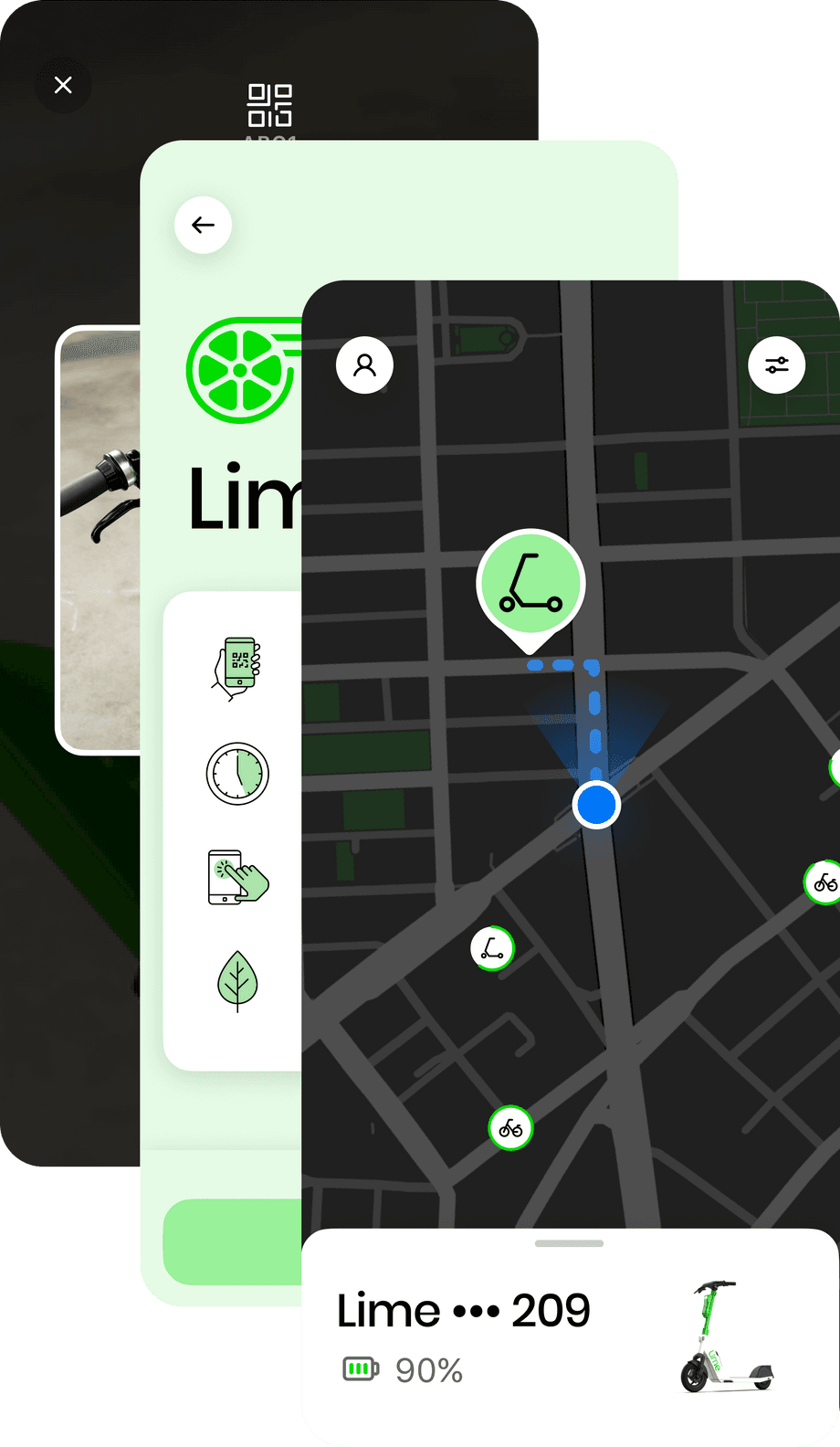
First, download the Lime app and create an account. Then, find a nearby Lime on the in-app map, and scan the QR code on the Lime to unlock. That’s it!
-
Click here and you'll automatically be redirected to the download page for your mobile device. You can also search "Lime" in both the App Store and Google Play.
-
Open the Lime app to see available Limes in your area. If you don't see any Lime icons displayed on the in-app map, zoom out to search a wider area.
-
Wearing an approved, well-fitted helmet is highly recommended whenever you ride. Your helmet should be sized, fitted and fastened per the manufacturer's instructions. Where helmets are required, you must wear one to use our services.
-
Your Lime’s motor assists up to your city’s approved speed, but you may go faster when traveling downhill. Always use our easy-to-use brakes to control speed down hills and for safe stopping. Always respect the rules of the road and be mindful of pedestrians or other vehicles. Ride in the bike lanes where available. Visit the Safety Center in the App to learn more.
-
The price of the rides varies per city. Download the Lime app to see current pricing and offers. The app is free—you're only charged when you ride.